Turn Your Expertise Into a Product
You don't need months, a developer, or a complicated setup. You need a weekend and the knowledge you already have. Here are 5 simple digital products any woman business owner can create right now.


This post may contain affiliate links, sponsored partnerships, and/or AI-assisted content. All content is developed by and subject to human review — AI is used only as an assisting tool. All views, opinions, and copyright are my own. I only recommend products and services I use and believe in. You can read my full disclosure policy here.

You've probably heard it before: "You should create a digital product!" And then you think about all the tech, all the time, all the things you'd need to figure out — and you close the tab.
I get it. But here's the truth: most first digital products aren't complicated. They're simple. They're fast. And they come directly from knowledge you already have sitting in your head right now.
You don't need a developer. You don't need a fancy course platform. And you definitely don't need a whole weekend retreat to plan it out.
Here are five digital products you can actually build this weekend — and start selling next week.
1. The PDF Checklist
This is the fastest product you can make, and it's one of the most useful things you can give someone.
Think about a process you do over and over — something that takes multiple steps. Setting up a new client. Writing a blog post. Prepping for a launch. Now imagine handing someone a one-page checklist so they never miss a step. That's a product.
A PDF checklist can be made in Google Docs, Canva, or even Word. You don't need design skills. A clean, readable layout with a clear title and checkboxes is all it takes. Price it anywhere from $7 to $27 and you're in business.
Best for: Anyone who has a repeatable process or expertise with multiple steps.
2. The Canva Template
If you've ever made something in Canva — a social media graphic, a flyer, an email header — you've already created the foundation for a product.
Templates are wildly popular because people want to look polished without starting from scratch. Think: Instagram story templates, Pinterest pin layouts, media kit pages, lead magnet covers, content calendar spreadsheets, or email signature graphics.
Pick one thing your audience needs to look professional and make them a template pack. Share the Canva link as a template copy, bundle 5–10 designs together, and sell it as a download.
Best for: Anyone who creates visual content or helps clients with branding.
3. The Mini Guide or How-To PDF
Pick one question you get asked constantly — the same one, over and over, in your DMs, at networking events, from friends and clients alike.
Write down your answer. Not the quick version. The real, thorough, this is exactly how I'd do it version. Add a few screenshots or examples if you have them. Format it in a document with a title, a few short sections, and a clear takeaway at the end.
That's a mini guide. It can be 5 pages or 15. It doesn't need to be a book. It just needs to answer one specific question better than a Google search can.
Best for: Anyone with a frequently-asked question and the expertise to answer it well.
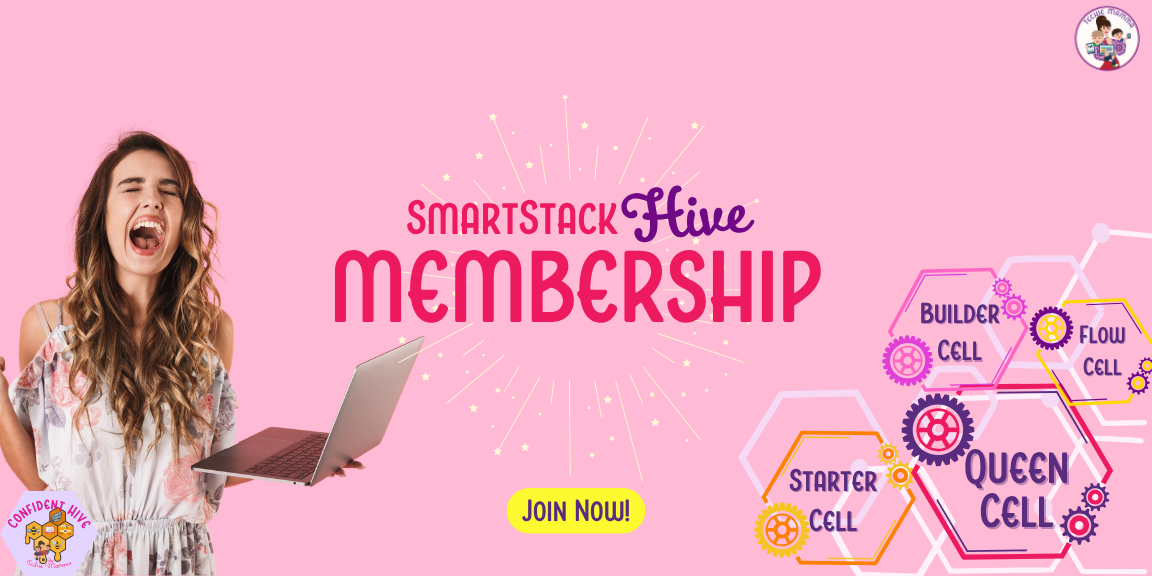
Want 60 Proven Course Topic Ideas to Get You Started?
If you've been stuck on what your product should even be about, I've got you. The 60 Course Topic Ideas Checklist is inside
🐝💻SmartStack Hive — organized by category so you can find the idea that actually fits your expertise.
It's one of the monthly 💧TechDrops included with membership, starting at just $9/month. You also get access to the HexVault video library, a supportive community of women business owners, and a new TechDrop every month.
✨ Buzz into 🐝💻SmartStack Hive today — stack smart, soar higher!
4. The Swipe File or Resource Bundle
This one is perfect if you hate starting from scratch — because this product is built entirely from things you've already made.
A swipe file is a curated collection of useful stuff: email subject lines that work, captions you've tested, scripts you've used, prompts that got great responses. A resource bundle might be a collection of links, tools, templates, and references organized around a specific topic.
The key word here is organized. You're not just dumping a Google Drive folder on someone — you're curating and packaging information so they don't have to go hunting for it. That curation is the value.
Best for: Anyone who has done the research and wants to save someone else the time.
5. The Audio or Video Mini-Lesson
You don't have to film a 10-module course to sell video content. A single focused lesson — 15 to 30 minutes, one topic, one transformation — is a product.
Record yourself walking through something you know well. Use Loom, your phone, or whatever you have. Edit it in the simplest way possible (or don't). Upload it somewhere like Thinkific, Podia, or even a private YouTube link behind a paywall.
Price a mini-lesson at $17–$47 and sell it as a low-ticket entry point. It's also a great way to test your audience's interest in a topic before you build a bigger course around it.
Best for: Anyone who teaches, coaches, or explains things well on camera or audio.
So Which One Should You Start With?
The answer is whichever one you can finish fastest. Not the most polished. Not the most impressive. The fastest. A $17 checklist you finish on Saturday is infinitely better than the $297 course you've been outlining for two years. Start small, ship it, and build from there.
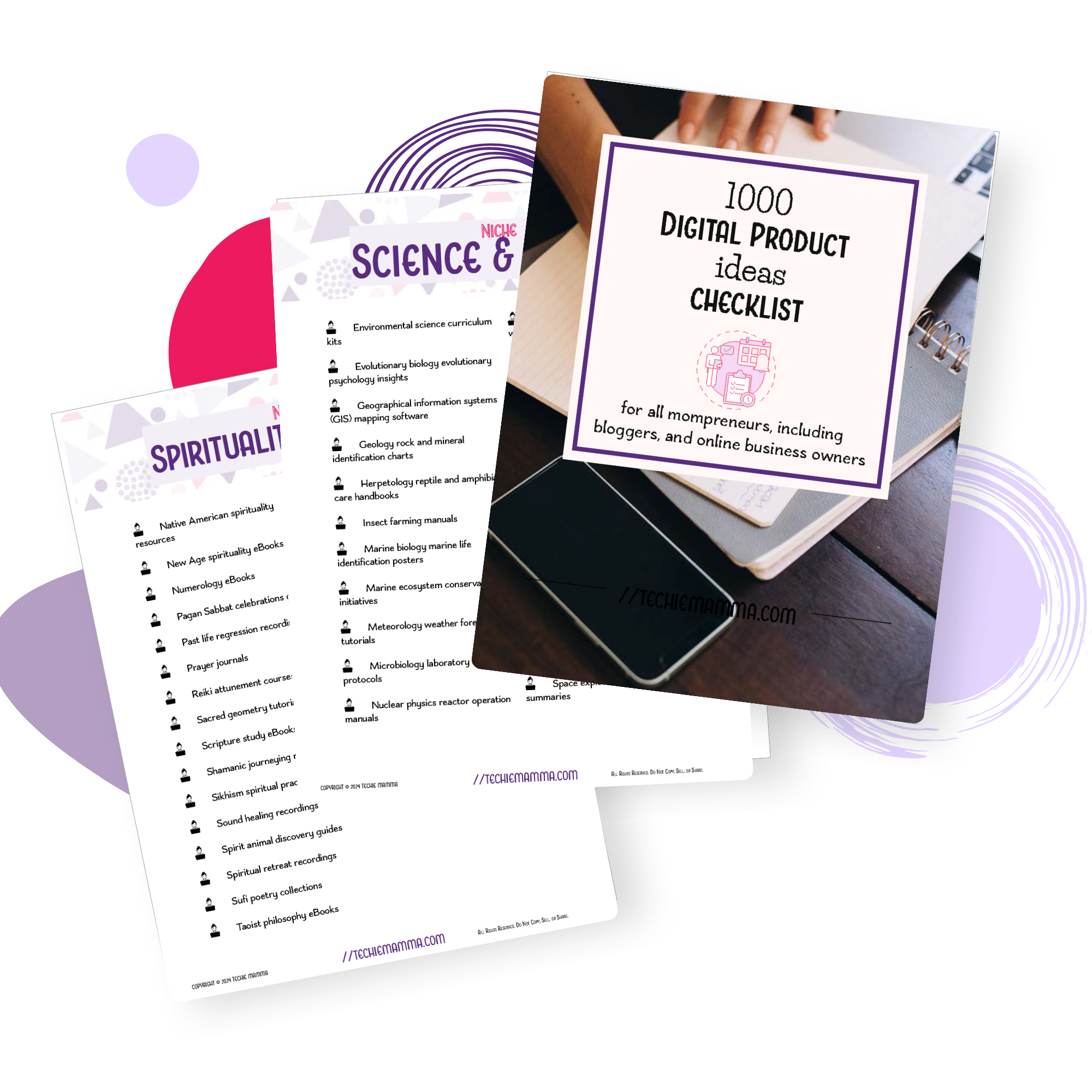
1,000 Digital Product Ideas Checklist
A massive brainstorming resource with 1,000+ digital product ideas organized by category. Perfect for overcoming creative blocks and finding your next profitable product.
First 25 Get 25% Off with Code WEEKENDNOW25
Not sure where to start? The 1,000 Digital Product Ideas Checklist gives you a massive brainstorming jumpstart — over 1,000 ideas organized by category so you can stop staring at a blank page and start seeing what actually excites you. It's not about doing all of them. It's about finding your thing.


